
Change password
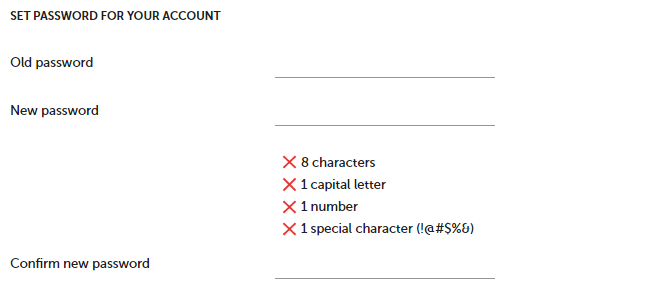
You can change your password anytime. To change it, type the old password and then the new one. The password should have at least 8 characters; it should contain small and uppercase letters, numbers, and special characters (eg. ! @ # $ % ^ & *).
To change your password :
- Click on account
![[S]](https://www.surveylab.com/UserFiles/640d81fbf8d6/Image/ico_material/baseline_settings_black_18dp.png) Settings button.
Settings button. - Press Security button.
- Enter current password.
- Enter new password (minimum 8 characters).
- Reenter new password. This is important to validate that the new password has been entered correctly.
- Press SAVE button.
NOTE: Use strong passwords. Passwords should be long, random, and unique. See CISA recommendations for creating strong passwords.
NOTE. If your organization uses SSO, you cannot change your password through SurveyLab. To update your password, please contact your organization’s administrator or use your organization’s identity management system.