
How to download survey results together with images?
If you created a survey with an Upload file question, you will be able to download the survey report along with the uploaded images/files.
To do it :
- Select the survey for which you want to download the report and click the REPORT button.
- Click
![[D]](https://www.surveylab.com/UserFiles/640d81fbf8d6/Image/ico_material/baseline_cloud_download_black_18dp.png) Download report button.
Download report button.
- Choose the Detailed Excel report (XLSX).
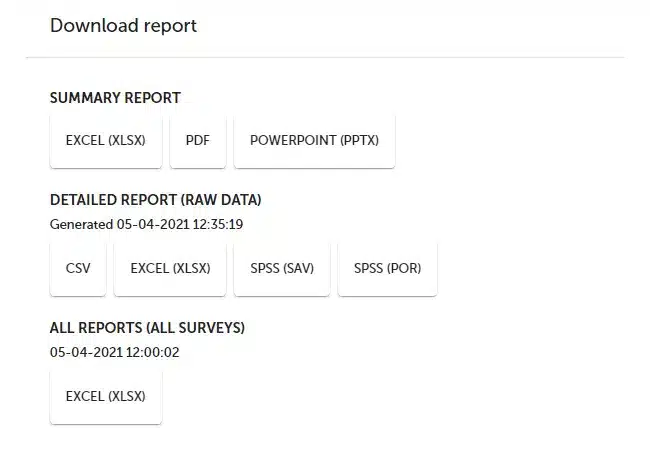
- Select a location on your computer where the file will be saved.
NOTES. The Upload file question allows respondents to attach files in the following formats: JPG, PNG, GIF, and PDF.
 Functionality is available for the Enterprise plan.