
Can I hide selected question in a survey?
Yes. SurveyLab allows you to hide any question. You can completely hide a selected question or hide it only for selected devices (pc/laptop, tablet, smartphone).
To hide a question :
- Press
 Edit question button.
 - Go to question
![[S]](https://www.surveylab.com/UserFiles/640d81fbf8d6/Image/ico_material/baseline_settings_black_18dp.png) settings.
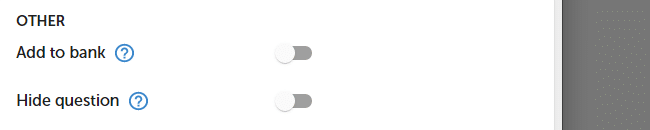
settings. - Select one of the available options Hide question, and click SAVE button.
To hide a question for a selected device :
- Press Logic button.
- Select Device option and device type.
- Select Hide question option.
NOTE. To hide the question in the report, go to the report and press chart settings button | Hide question.
To hide answer choice :
- Press Edit question button.
- Select answer choice and press
 More option
 - Press Hide answer.
 More option
 Functionality is available in the Advanced, Professional, and Enterprise plan.