
Kiosk Mode
Kiosk mode allows you to collect responses on tablets, cash registers, and electronic kiosks. It will allow you to collect feedback at the point of sales, points of customer support, or employee support
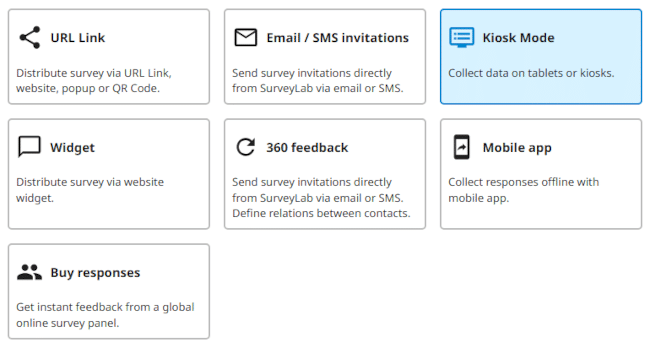
Create and activate the collector
To create a new collector :
- Select the survey for which you want to add a collector and click
 COLLECT RESPONSES button.
- Press + ADD COLLECTOR button.
- Select Kiosk Mode survey distribution method and press SAVE button.
- Press ENABLE / Collector inactive button to activate the collector and start data collection.
- Copy survey link (URL) and place it on a tablet, cash register, or electronic kiosk.

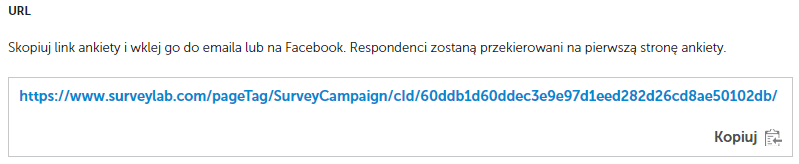
NOTE. Remember to copy the link from the collector settings, not from the browser’s URL bar.
Turn off the collector
- To disable the collector and stop data collection, press
![[ ]](data:image/svg+xml,%3Csvg%20xmlns='http://www.w3.org/2000/svg'%20viewBox='0%200%2018%2018'%3E%3C/svg%3E) DISABLE button.
DISABLE button.
![[ ]](https://www.surveylab.com/UserFiles/640d81fbf8d6/Image/ico_material/baseline_not_interested_black_18dp.png) DISABLE button.
DISABLE button.
NOTE. A green bar indicates that the collector is active and responses are being collected.
 Functionality is available in the Starter, Advanced, Professional, and Enterprise plan.