
Multimedia or text
Descriptive image (.png, .gif, .jpg), video, audio, or text. This field can be used for additional comments, explanations, or visualization for your survey.
USAGE EXAMPLE
- Add additional descriptions, instructions, or comments to your survey.
- Add a link to a document or another website.
- Add images, pictures, or multimedia elements to the survey.
- Pipe image from another question.
OPTIONS
- Text.
- Images or pictures.
- Video.
- Audio.
QUESTION EXAMPLE
![[E]](https://www.surveylab.com/UserFiles/640d81fbf8d6/Image/ico_material/baseline_edit_black_18dp.png) DESIGN QUESTION
DESIGN QUESTION
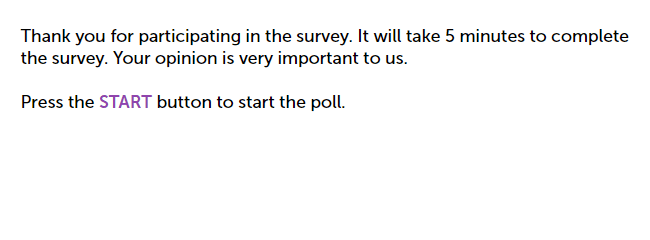
You can add an image, photo, logo, or any illustration to your survey. It can be used as an additional description, comment, or explanation.
To add this question to your survey :
- Select a question from the left menu, and then drag and drop it into your survey project.

- Enter a description (optional).
- Select an image or video.
- Press SAVE button.

NOTE. If you add more than one image, the system will display them as a gallery in a carousel format.
Supported file types
| Type | Supported formats |
|---|---|
| Images and pictures | .jpg, .gif, .png, .webp |
| Audio | .mp3, .wav, .ogg |
| Video | .mp4, .webm |
Limitations
The maximum supported file size is 60 MB. Depending on the subscription type, you will have a different drive size to host your file :
| Subscription type | Drive size |
|---|---|
| Starter | 25 MB |
| Advanced | 250 MB |
| Professional | 4 GB |
| Enterprise | unlimited |
If the uploaded file is bigger than 2048 x 2048, it will be automatically scaled to this size.
You can link to a video hosted on youtube.com, vimeo.com, vzaar.com, or wistia.com.
Please also check the Wiki article on codecs that are supported by different web browsers to provide support for your video.
NOTE. For the starter plan. If you are using vzaar.com, copy the link marked as video. If you are using wistia.com, copy the link marked as embed URL.
 Functionality is available in Starter, Advanced, Professional, and Enterprise plans.